Know what Claude is doing, without looking.
A badge in your top bar that shows when Claude Code is thinking, needs your approval, or is done. Approve requests right there, and keep every session in view.
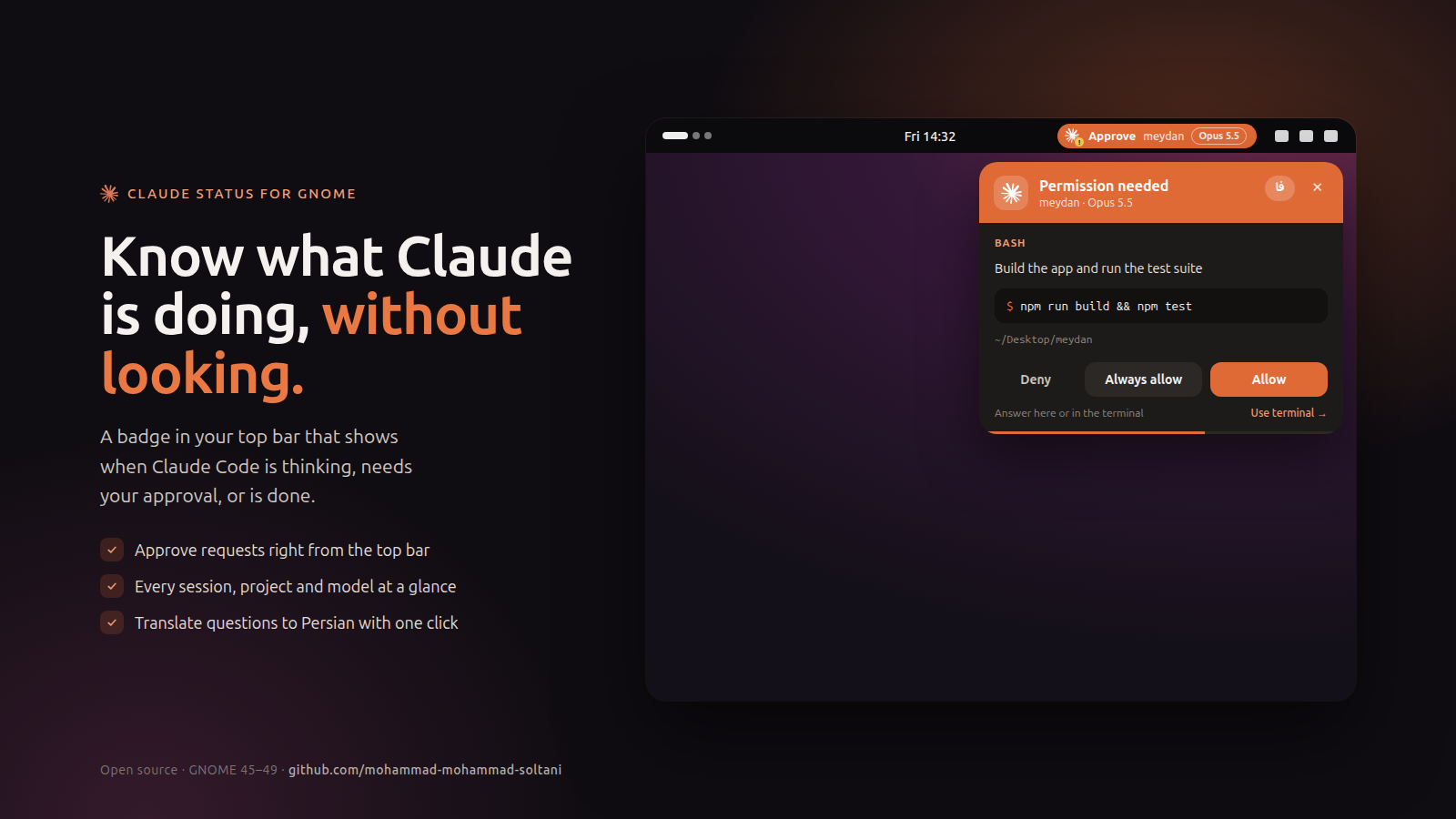
Everything at a glance
Built for people who run Claude Code in the background and want to know the moment it needs them.
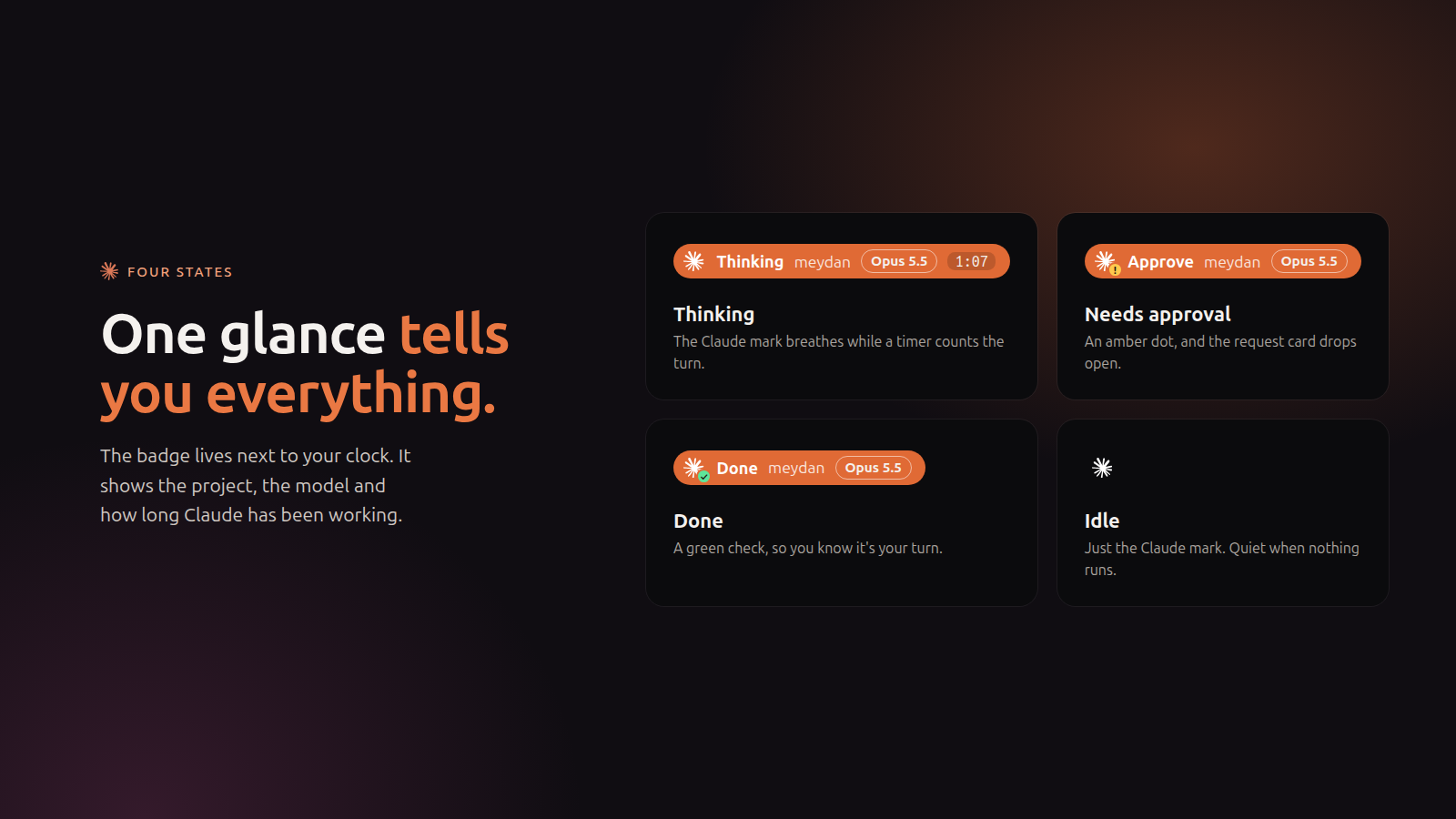
Four clear states
Thinking, needs approval, done or idle, with the project, the model and a timer.
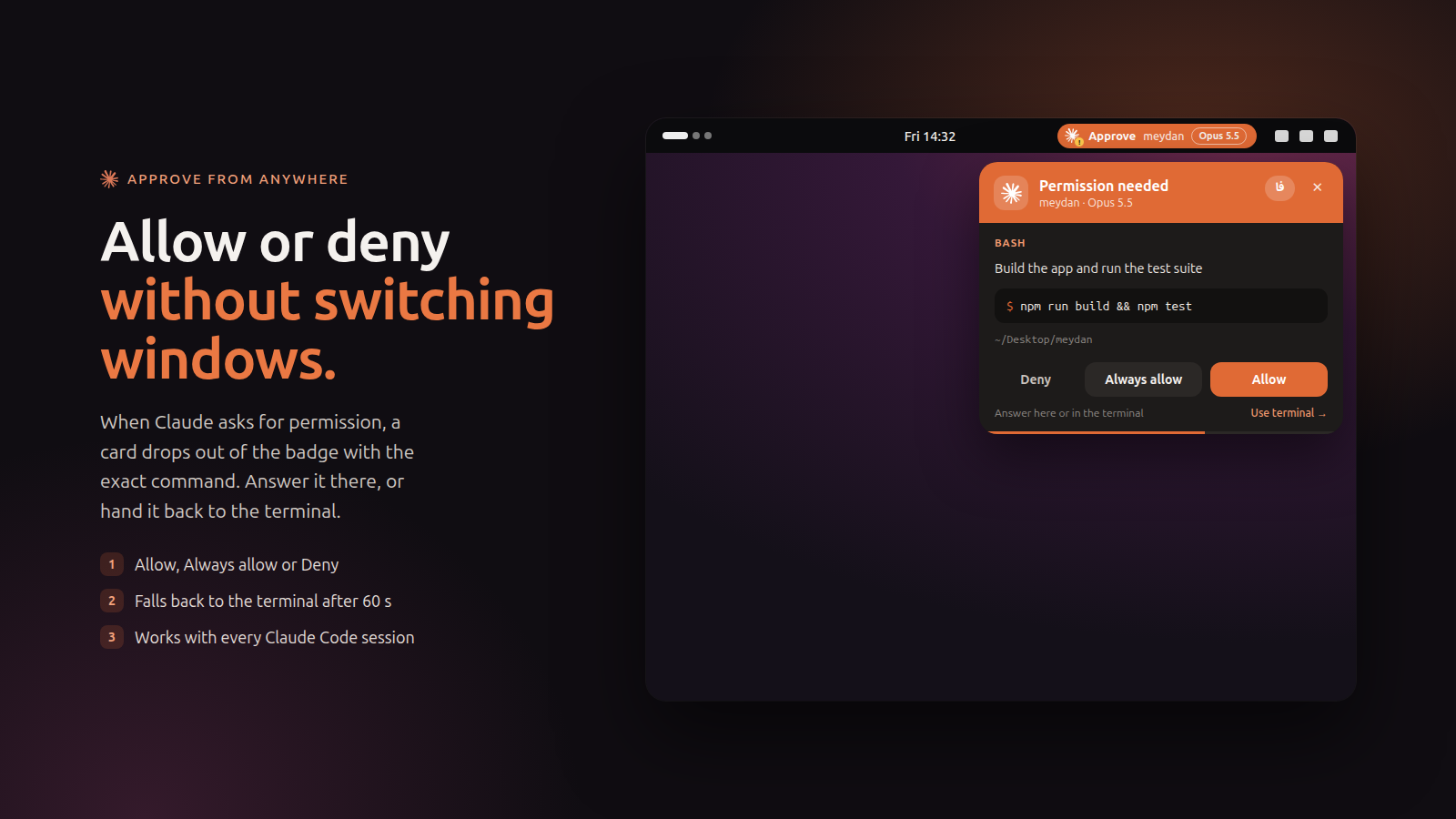
Approve from the top bar
Allow, Always allow or Deny the exact command without switching windows.
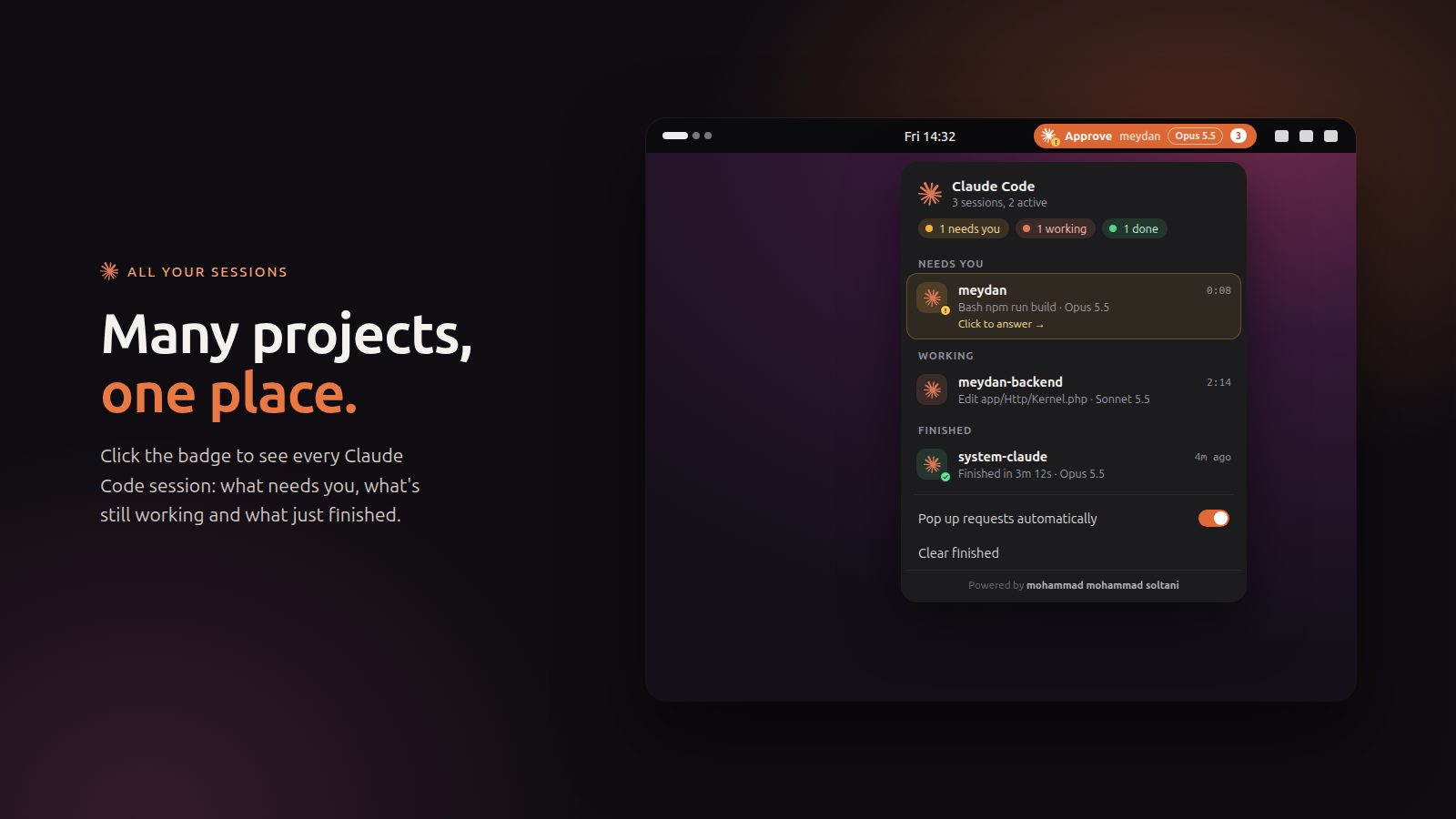
Every session in one place
What needs you, what's working and what just finished, across all your projects.

Persian translation
One tap translates Claude's question and its options, right to left, using Claude Haiku on your machine.
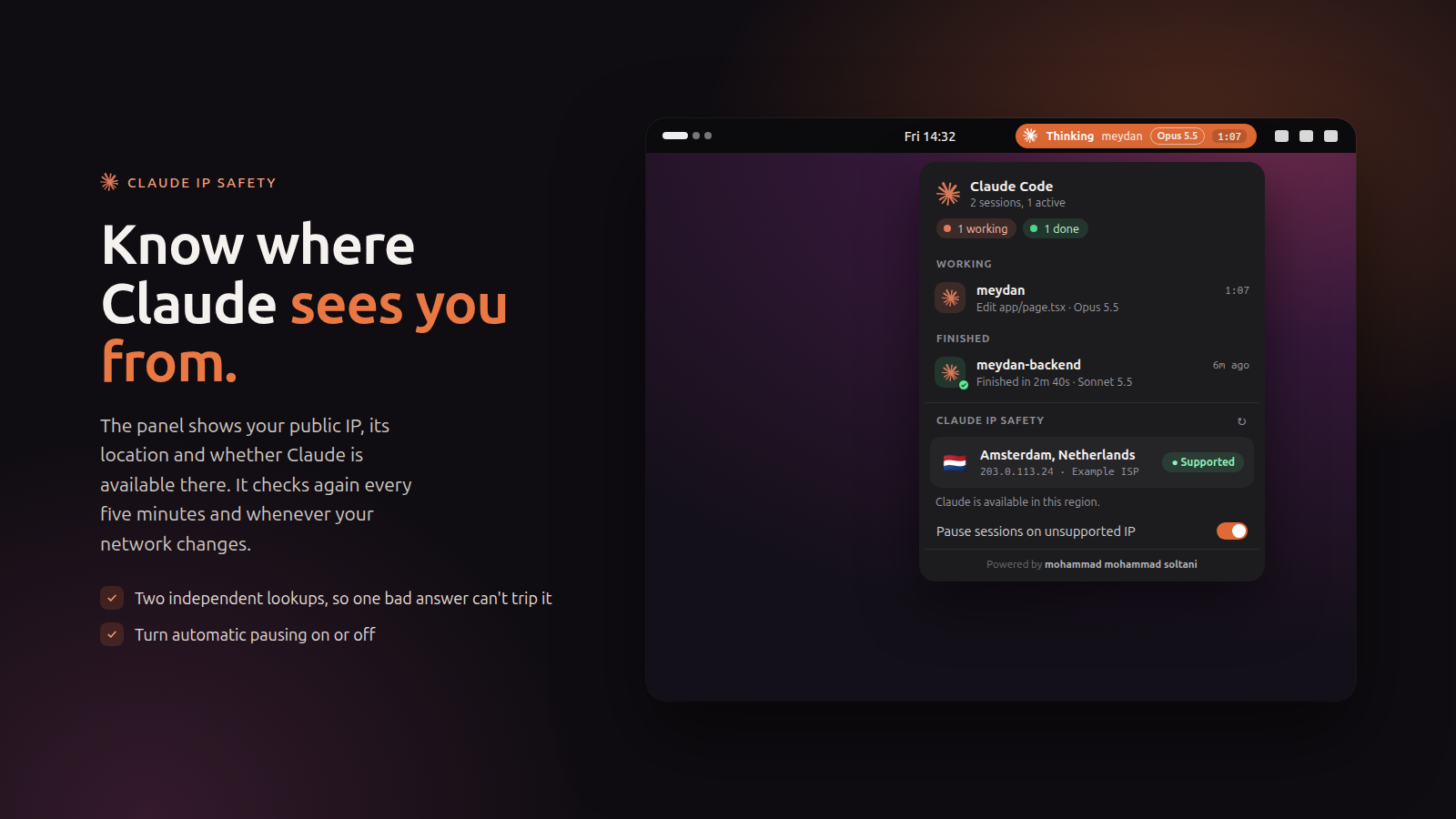
Claude IP Safety
See your IP's location and whether Claude is available there.
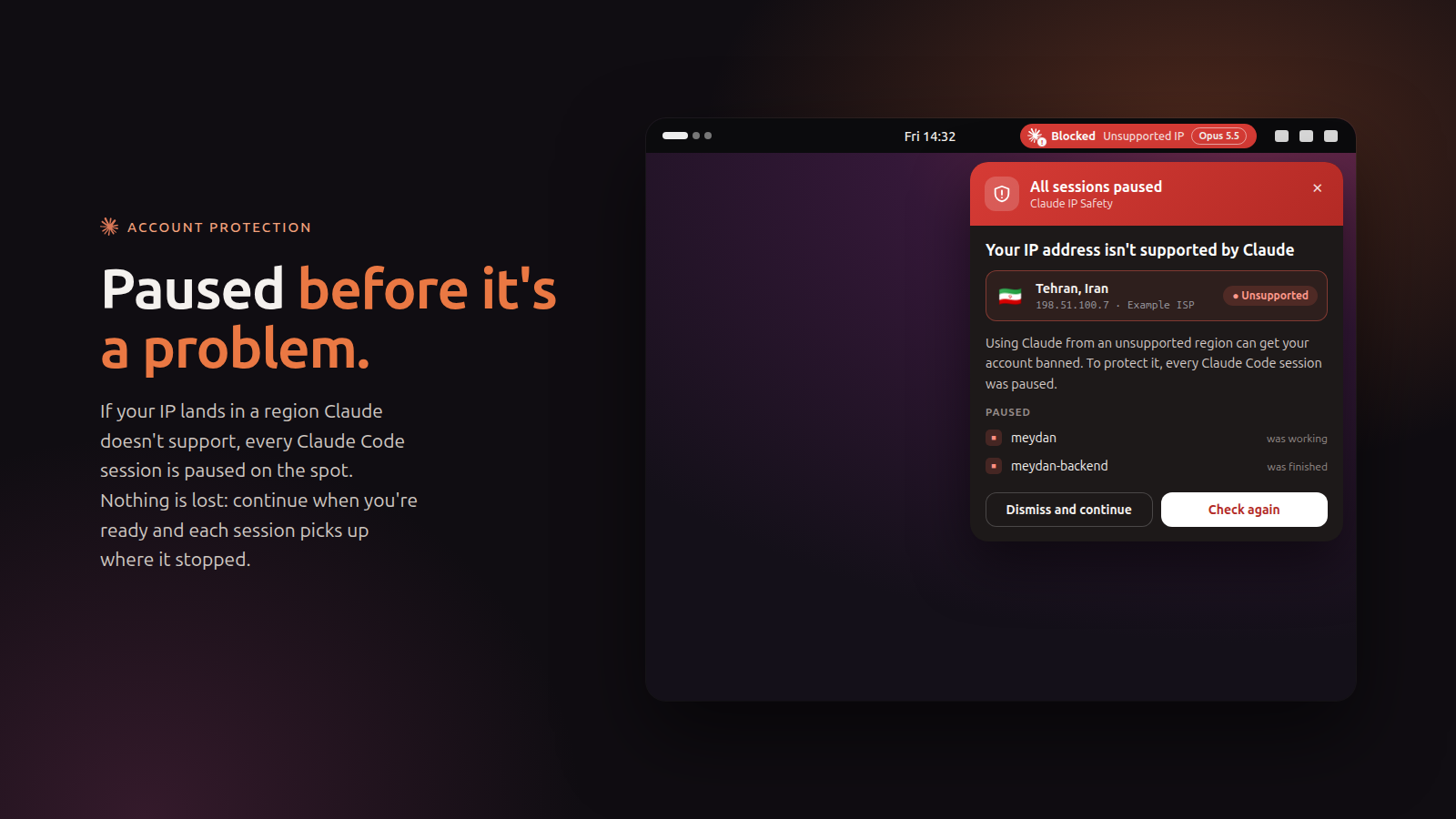
Paused before it's a problem
On an unsupported IP every session is paused, and resumes exactly where it stopped.
Install in a minute
On Ubuntu and Debian, use the package and its setup app. Everywhere else, use the script.
Install the package
Download the .deb from Releases and double-click it, or run:
sudo apt install ./claude-status_*_all.deb
Run the setup app
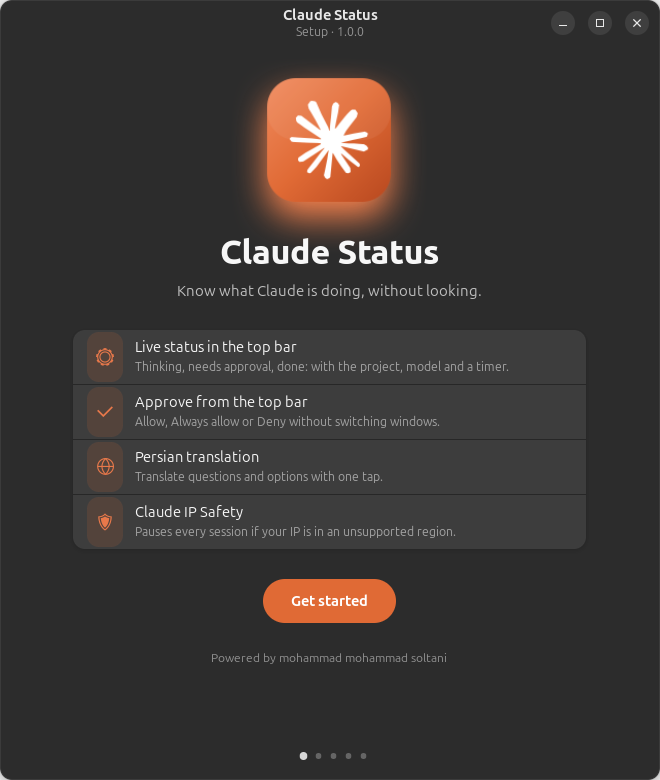
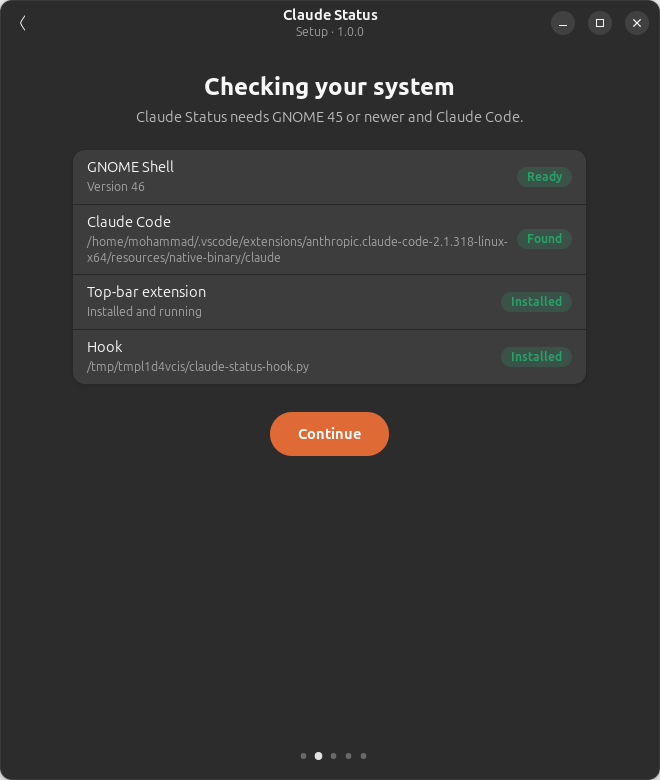
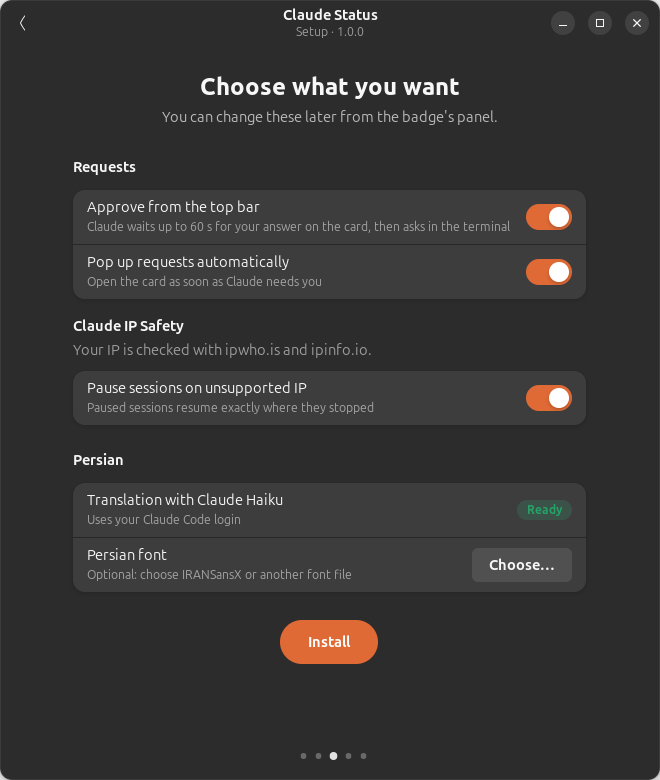
Open “Claude Status” from your apps. It checks your system and connects everything to Claude Code.
Log out and back in
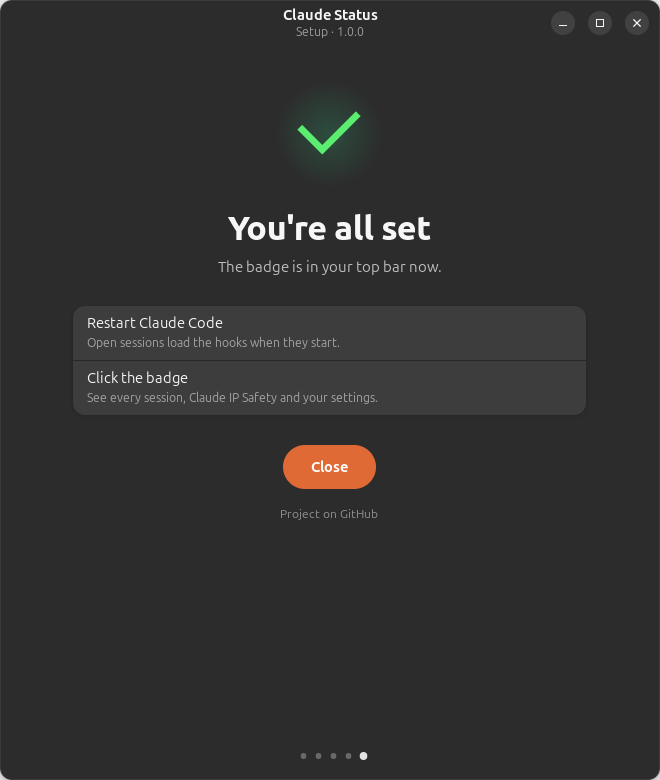
The badge appears next to your clock. Restart any open Claude Code sessions.
Fedora, Arch, openSUSE and others
git clone https://github.com/mohammad-mohammad-soltani/ClaudeAddonTools.git
cd ClaudeAddonTools
./install.sh
Requirements
| Desktop | GNOME Shell 45, 46, 47, 48, 49 (Wayland / X11) |
|---|---|
| Claude Code | CLI, or the VS Code / Cursor extension |
| Distributions | Ubuntu 24.04+, Fedora 39+, Debian 13+, Arch, openSUSE Tumbleweed, Pop!_OS, Zorin |